
Team Management & Permissions
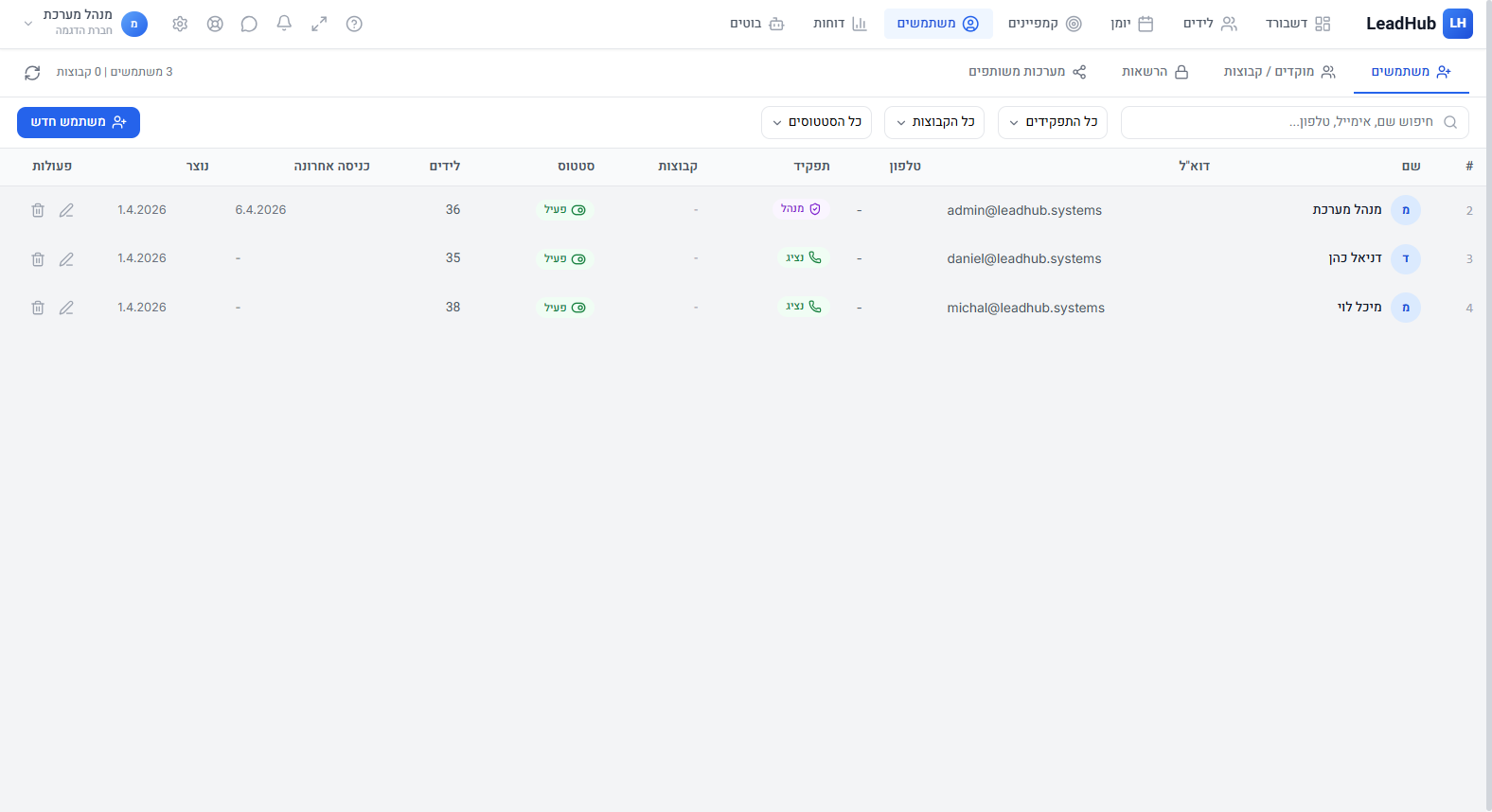
Adding Users
Go to Users and click "New User". Set name, email, password and permissions.
Permissions
The system supports granular permissions:
- View / Create / Edit / Delete per module (leads, campaigns, settings, reports, chat)
- Restrict access to specific users
- Set access to agent's own leads only or all leads
User Groups
Create groups (e.g., "Managers", "Sales Reps") with default permissions.
Automatic Lead Routing
Set up routing rules (Round Robin) for automatic lead distribution among team members.
Two-Factor Authentication (2FA)
Every user can enable 2FA through personal settings for enhanced security.