
Setting Up Integrations
Facebook Lead Ads
- Go to Campaigns > New Channel > Facebook
- Click "Connect Facebook Account"
- Approve permissions in the Facebook window
- Select the page and forms you want to connect
- New leads will arrive automatically!

Google Ads
- Go to Settings > Integrations > Google
- Click "Connect Google Account"
- Approve access to your Google Ads account
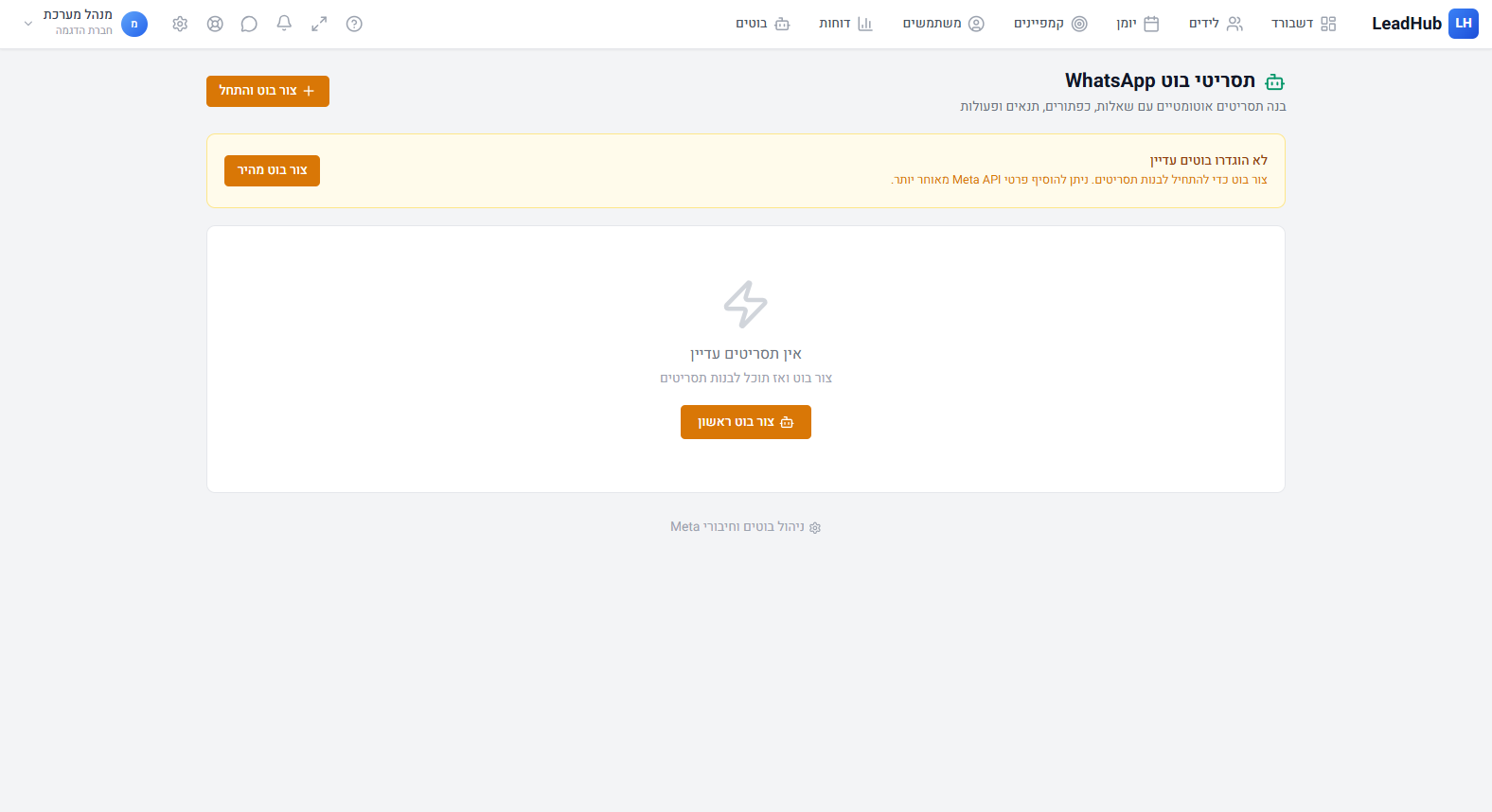
- Go to Settings > WhatsApp Bot
- Set up your phone number and scenarios
- Use the visual scenario editor (Bot Flow) to define conversation flows
Zapier / Webhook
On the campaign page, create a Webhook channel and get a unique URL for sending leads from any external source.